Encoding a brand voice for Meta's avatar clothing catalog
I turned a style guide for avatar item titles and descriptions written by 2 content designers into instructions a model could follow. This turned months of manual writing for thousands of items into a few weeks of systems work.
Overview
At a glance
- My role
- Model designer. I wrote and iterated the system prompt, tuned its constraints, and decided where automation stopped.
- Partners
- An engineer who built the generator
- 2 content designers whose editorial standards I encoded
- Timeline
- 2 weeks
- Model
- Llama
- System
- A content generator that wrote titles and descriptions from an image and metadata about an item
- Audience
- 1 billion avatar users across Instagram, Facebook, and Horizon, with teens as a core audience
Featured result
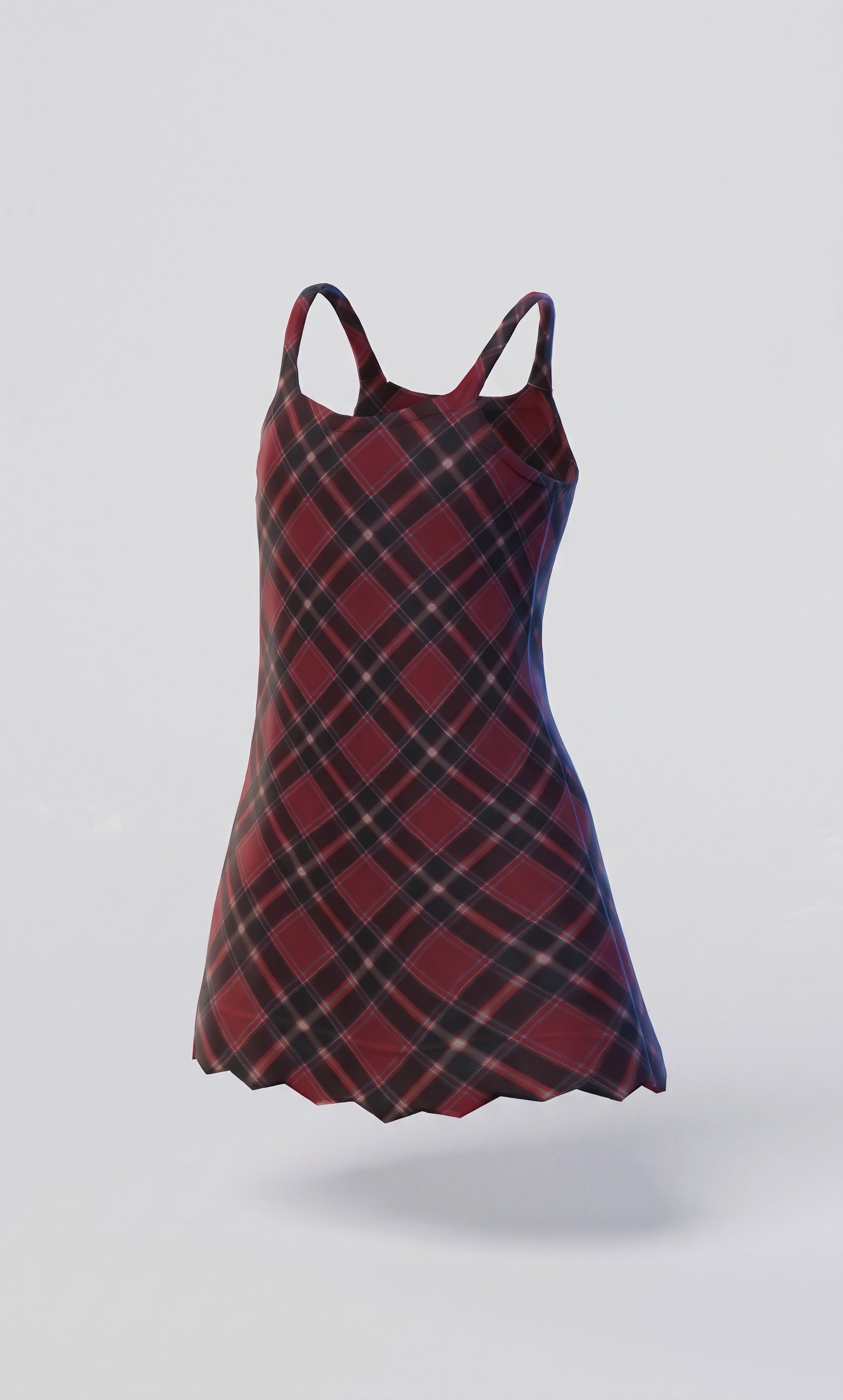
A flirty plaid mini dress that's perfect for a night out.
A playful plaid mini dress that's perfect for a day out with friends.
An age-appropriate language constraint in the system prompt kept descriptions on brand for a teen audience.
Meta's avatar clothing catalog was growing fast, and every new item needed a hand-written title and description. That writing was eating up our content designers' time. Two of them had already spent months refining editorial standards for titles and descriptions, and those standards were solid. Writing to them at scale for thousands of items was the problem.
So I partnered with an engineer to build a Llama-based content generator that wrote titles and descriptions from each item's image, using those standards as instructions.
But you can't hand a model a style guide written for people. A style guide assumes a reader fills in gaps and asks questions when something's unclear. A model does neither, at least not consistently.
Avatar item style guide
The original content guidelines written for humans
Title guidelines
Tops
Feature + Item
Layered puffer jacket
Bottoms
Pattern/Design + Item
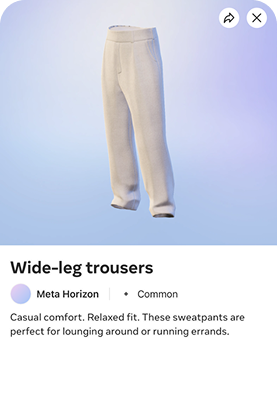
Wide-leg trousers
Shoes
Feature + Item
High-top platform sneakers
Do
- Maximum characters: 30
- Be gender neutral
- Concise title accurately representing the product
- Consider cultural context
Don’t
- Don't use ALL CAPS
- Don't include promotional message (e.g. sale)
- Don't include subjective commentary (e.g. hot item)
- Don't use title casing
Tops product page
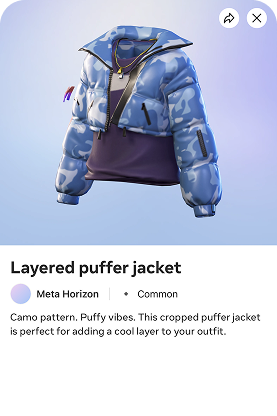
Description guidelines
Structure
Use 2 two-word fragments + 1 descriptive sentence.
Camo pattern. Puffy vibes. This cropped puffer is perfect for adding a cool layer to your outfit.
Do
- Maximum length: 120 characters/20 words
- Be gender neutral
- Inform without overwhelming
- Provide detailed overview highlighting key features
Don’t
- Don't use ALL CAPS
- Don't include promotional message (e.g. sale)
- Don't include subjective commentary (e.g. hot item)
- Don't include pricing details
Bottoms product page
My job was to turn the guidelines into something a machine could follow as literally as possible without making every description sound the same.
Turning implicit judgment into model context
What the guidelines say
- Follow Meta's brand voice
- Use gender-neutral language
- Write for teens and young adults
What a human fills in
- How the brand principles sound in product copy
- Which wording is inclusive and age appropriate
- What their role, objective, and output should be
Encode implicit judgment as explicit instructions
- # System Prompt — Meta Avatars Digital Clothing PDP Generator
- ## 1. Role
- You are a merchandiser who writes the titles and descriptions for Meta Avatars digital clothing product listings.
- ## 2. Objective
- Produce an informational, engaging title and description for a single avatar clothing item. Keep the tone neutral, clear, and straightforward. Return the result as valid JSON.
- ## 3. Brand Voice & Tone
- Meta's brand voice is the **Big-hearted Nerd**.
- - **Be optimistic.** Speak with real enthusiasm about the item.
- - **Be self-aware.** Read the room. Stay grounded and thoughtful.
- - **Be open.** Use clear, accessible, welcoming language.
- **The essentials**
- - **Simple language.** Understandable by a broad audience.
- - **Conversational tone.** Use everyday language.
- - **Gender-neutral.** Avoid gender-specific terms.
- - **Target audience.** Core audience is teens and young adults.
This first section of the system prompt gave the model a role, an objective, a voice, and an audience. I then translated the guide's individual title and description rules into constraints it could follow.
Rewriting guidelines as rules a model could follow
I started with item titles. The guide gave them 2 structures by category:
- Feature + Item for tops and shoes (e.g., "High-top platform sneakers")
- Pattern/Design + Item for bottoms (e.g., "Wide-leg trousers")
A content designer can infer what "feature" means. A model can't, at least not reliably. After reading a couple dozen of our content designers' titles, I saw this was one pattern with two names.
So I collapsed them into a single rule: a detail about the item plus its category. I defined what counts as a detail, like the cut, the color, or a physical feature, and added real titles as examples.
Two editorial patterns became one literal rule
Feature + Item
Example titles
Layered puffer jacket High-top sneakers
Pattern/Design + Item
Example title
Wide-leg trousers
- ## 5. Title Rules
- - **Maximum length: 30 characters.**
- - **Sentence case only.**
- - Format: **Detail about the item + item type**
- - Start with notable details about the item such as the cut, material, or style followed by the item category (use the category from the metadata, §4).
- - *Examples* "Pleated miniskirt," "Denim shorts," "High-top sneakers," "Cat eye sunglasses," "Wide leg trousers," "Layered puffer jacket," "Short-sleeve polo," "Tie-dye shirt."
Item descriptions had a similar problem, with two competing limits: 120 characters or 20 words. I kept the character limit and dropped the word count, because two competing limits confuse a model, and only one was hard guardrail.
Even then, I noticed the model often went over the 120 character limit. This was an issue, because anything over that amount would get truncated. So I tested lower targets. At 100 characters, descriptions had too little room to say anything. At 110, they fit almost every time and still read well.
Finding the balanced character limit
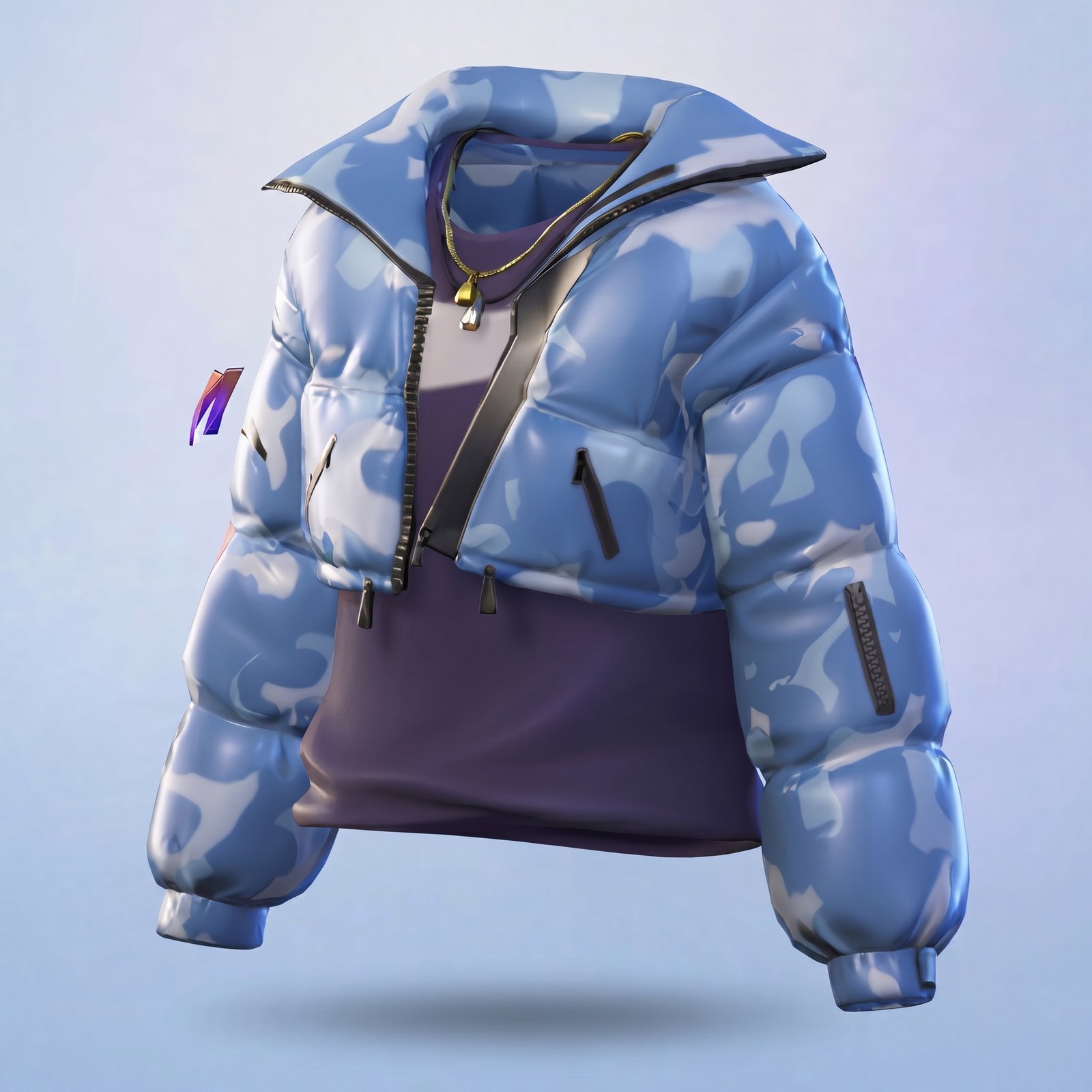
Layered puffer jacket
Tops product page
Camo print. Cropped fit. This insulated puffer jacket features a zippered front and provides an additional layer of warm...
Camo pattern. Puffy style. This cropped jacket adds an extra layer to your outfit.
Camo pattern. Puffy vibes. This cropped puffer jacket is perfect for adding a cool layer to your outfit.
- ## 6. Description Rules
- - **Maximum length: 110 characters.**
- - Format: **Two 2-word fragment sentences + one descriptive sentence.**
- - Provide extra details the title doesn't include and highlight key features of the item such as garment construction, patterns, material, style and vibes.
- *Example:* "Vibrant colors. Bold design. This belted kimono is the perfect statement piece to elevate any outfit."
Testing drafts against our content designers' copy
It took about 5 drafts of the system prompt to get it working. I tested each one against about 50 items, comparing the generator's copy with what our content designers had written for the same items.
Evaluation set
The same 50 items, tested across every prompt draft
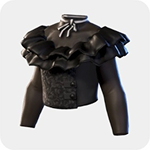
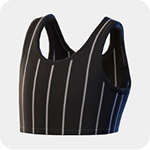
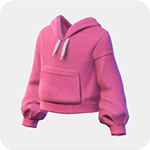
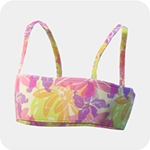
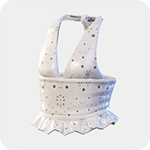
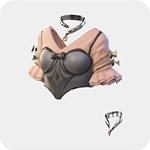
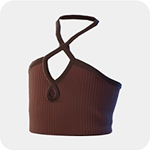
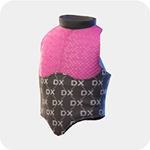
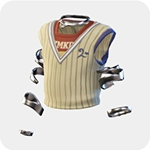
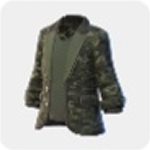
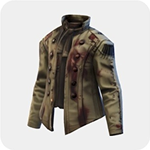
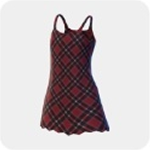
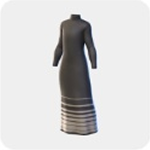
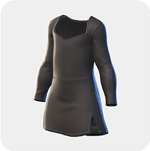
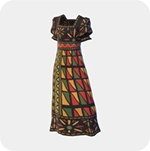
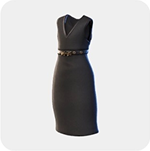
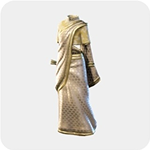
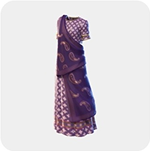
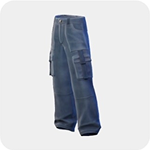
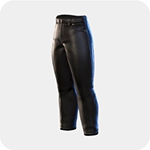
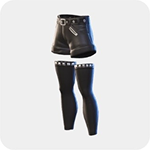
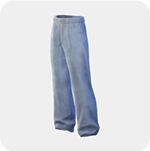
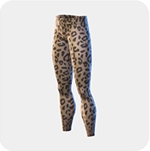
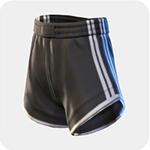
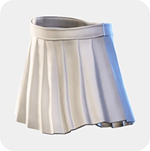
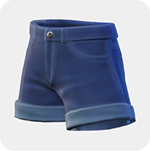
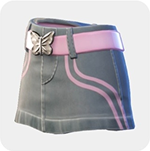
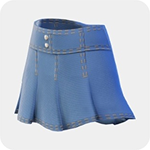
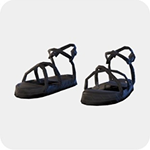
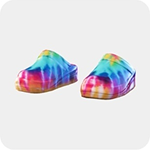
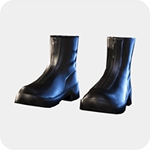
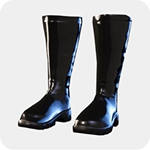
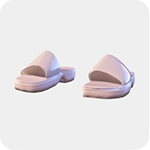
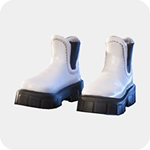
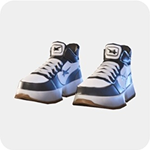
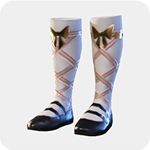
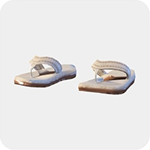
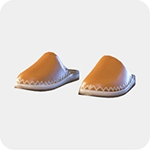
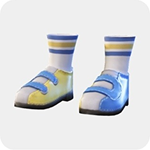
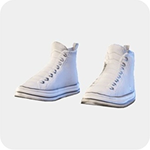
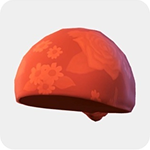
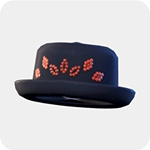
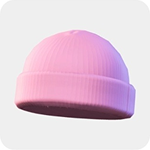
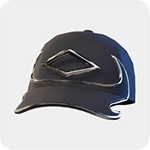
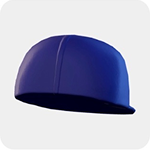
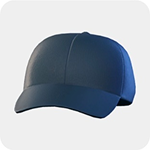
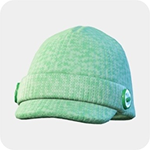
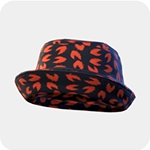
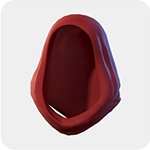
Evals on every draft turned up failures, and the fix depended on where each one started: in the instructions, in the inputs, or somewhere no system prompt could reach.
Some failures started in the instructions, usually as a rule nobody had thought to write down. Outputs kept describing teen clothing with adult language, like "flirty" or perfect for "a night out." People know that boundary without being told, but a model needs it spelled out.
So I added an age-appropriate language constraint, and outputs shifted toward phrases like "summer vibes" and "a day out with friends."
Adding an age-appropriate language constraint
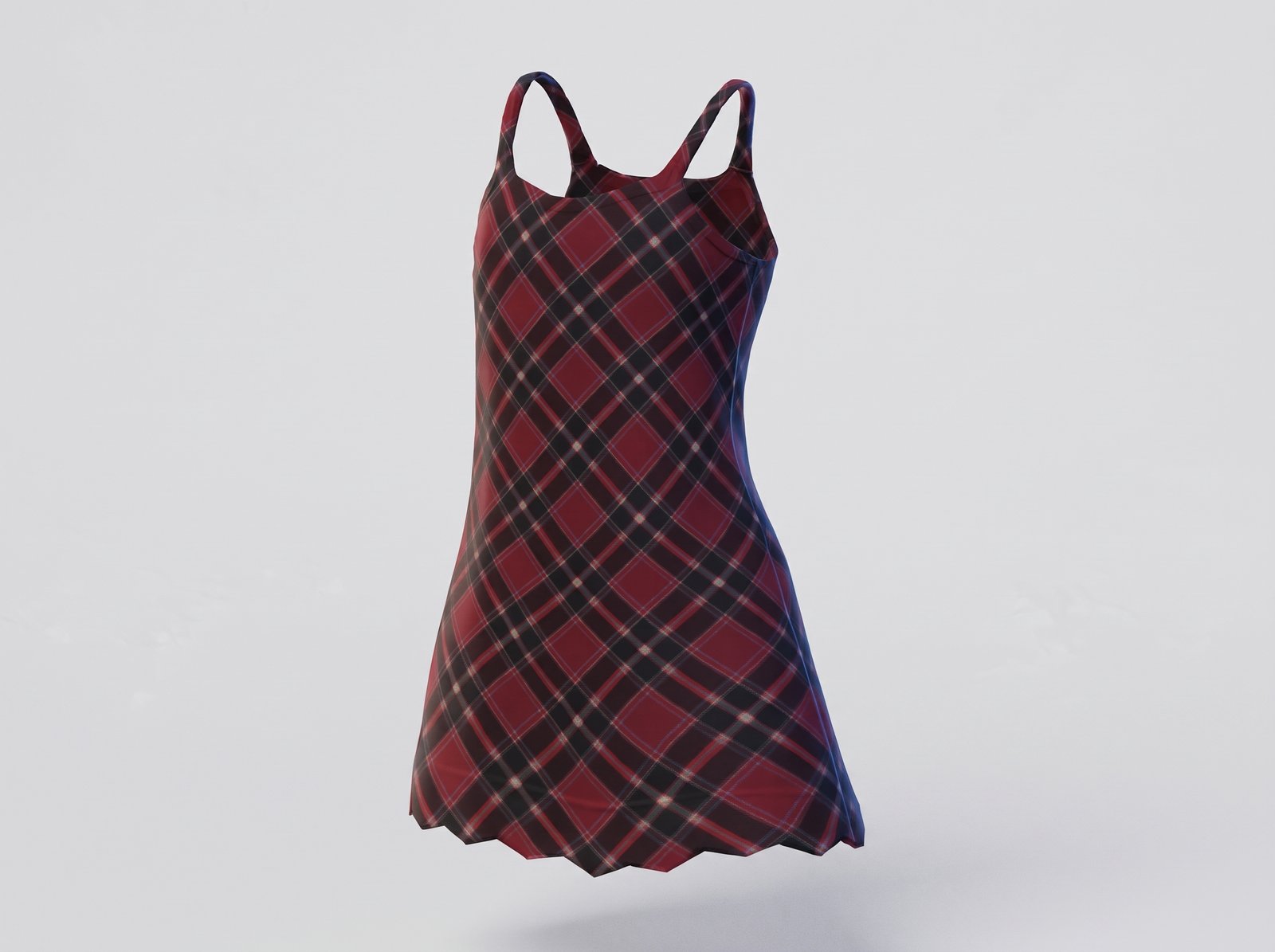
A flirty plaid mini dress that's perfect for a night out.
A playful plaid mini dress that's perfect for a day out with friends.
- **Age-appropriate, non-suggestive language**
- Keep every title and description non-suggestive and appropriate for a younger, broad audience. Avoid sexually suggestive or flirtatious wording, innuendo, and any framing that sexualizes the clothing. Avoid words such as *flirty, sultry, seductive, sexy, racy, alluring, barely-there*. When a design detail invites suggestive phrasing, name the detail plainly instead.
- - Avoid: "Bold pattern. Flirty hem."
- - Prefer: "Bold pattern. Scalloped hem." *(describe the actual hem)*
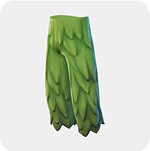
Other failures started in the inputs. The model only saw a front-facing thumbnail, so it often got the type of garment wrong. Capri pants might read as a skirt, or a skirt as a dress, and so on.
No instruction could fix what the model couldn't see. So I had our engineer pull in the item category metadata we already had for listings, then rewrote the instructions to use only that info for determining the type of garment to describe.
Pulling in existing item metadata
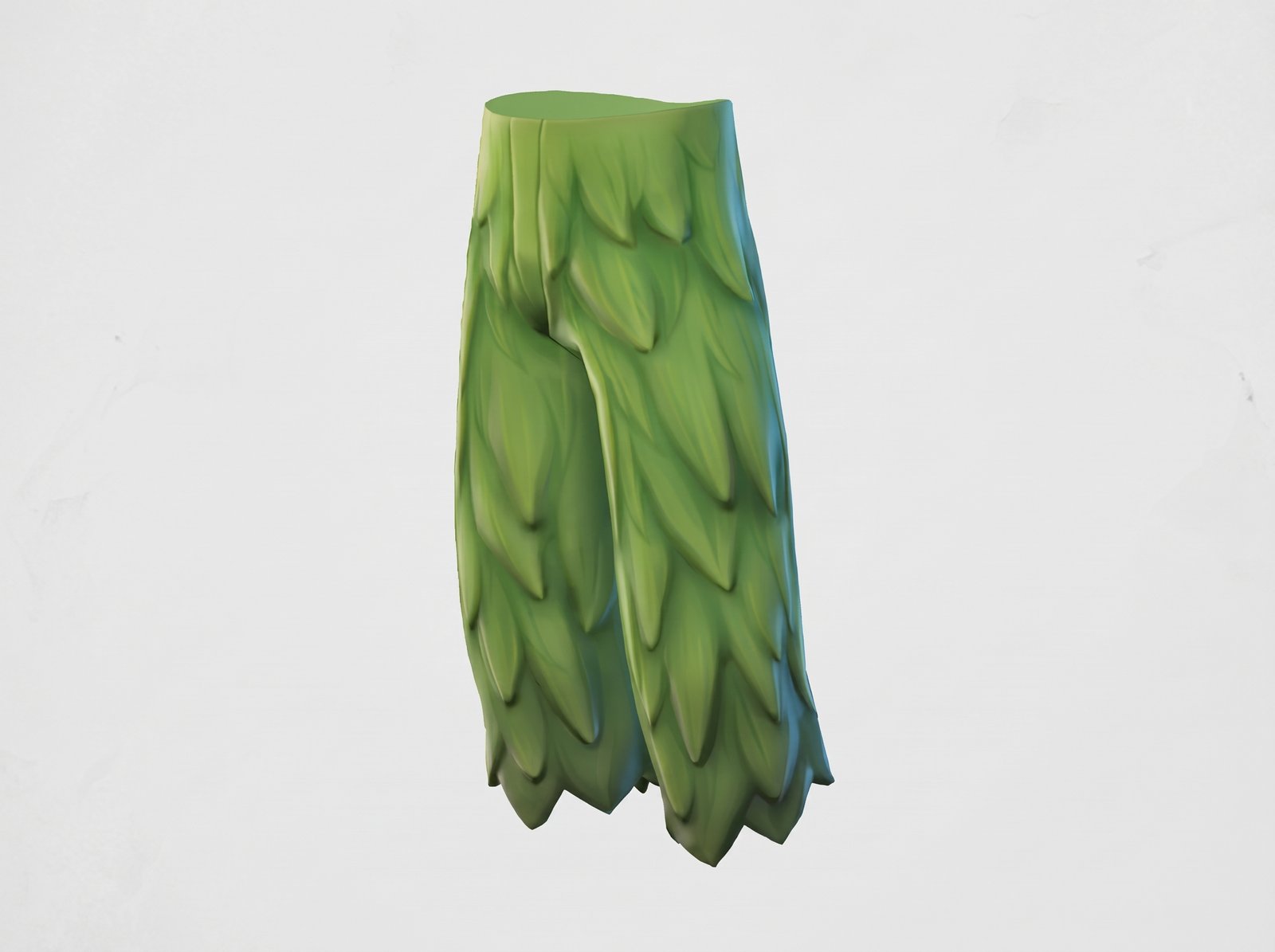
Leaf skirt
Nature-inspired. Whimsical design. This skirt features a fun leaf pattern with layered details for a playful look.
Leaf capris
Nature-inspired. Unique design. Add a touch of whimsy to your look with these capris featuring a leaf pattern.
- ## 4. Inputs
- Each generation receives:
- - **Item image** — the rendered avatar clothing item.
- - **Category metadata** — the item's type / category (e.g. "vest top," "trousers," "sneakers").
- **Determine the item type from the category metadata, not the image.** The image is unreliable for classification and often yields the wrong category, so treat the metadata as authoritative for *what the item is* — this is the category word that drives the title formula (§5) and the item reference in the description. Use the image only to describe *how the item looks*: colors, patterns, construction, and notable or fantastical features. Never let a read of the image override the category the metadata specifies.
One failure started somewhere no system prompt could reach: cultural item accuracy.
The model kept calling things like a sari a maxi dress, or a hijab a fashion bandana. I got cultural items to about 75% accuracy through prompt engineering, then stopped pushing, because the model couldn't infer cultural context from a thumbnail and a taxonomy that had never encoded it.
Knowing when to require a human review gate
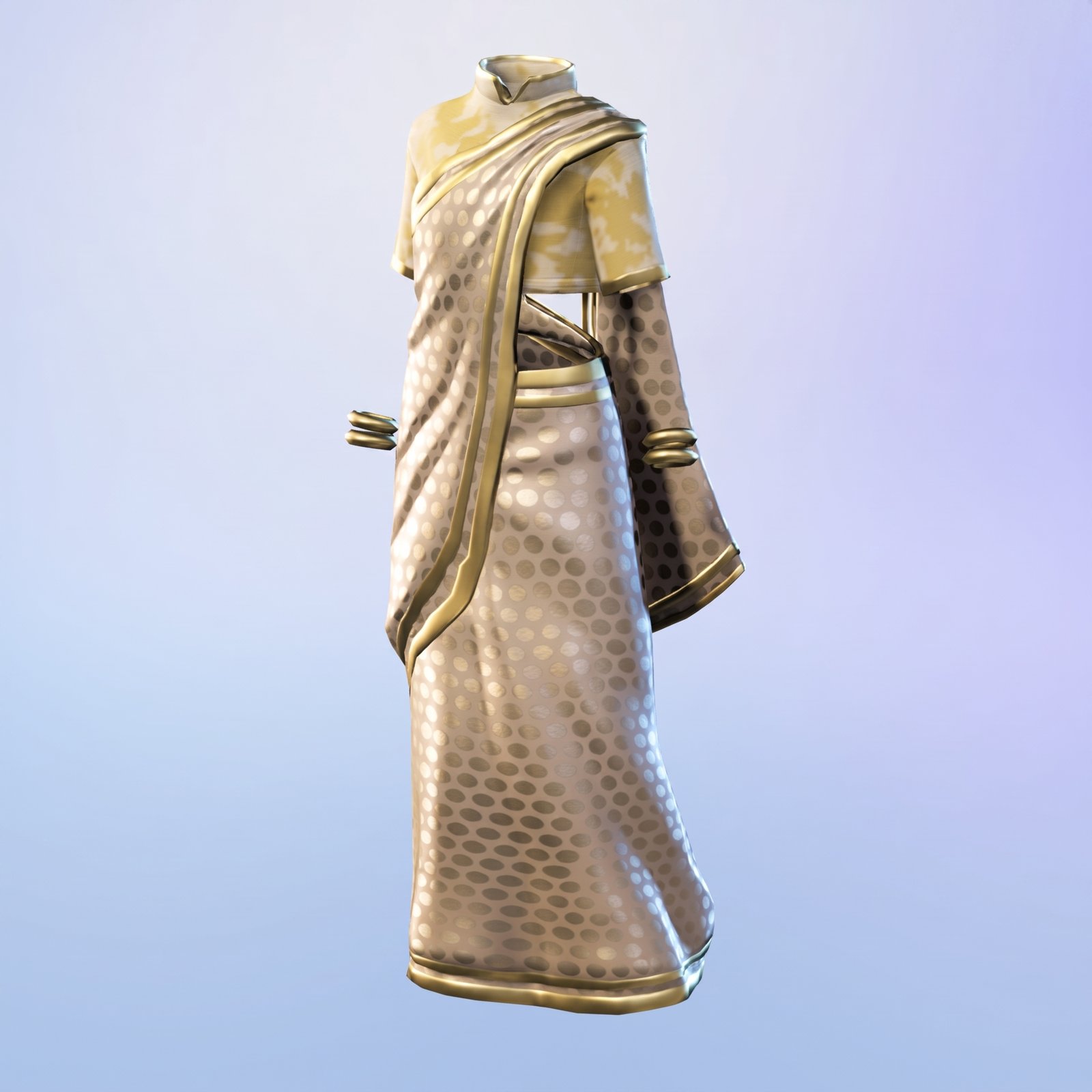
Formal dress
Vibrant patterns. Elegant design. This maxi dress features a unique blend of patterns and styles, perfect for making a statement.
Patterned saree
Shimrring gold. Dotted glamor. This metallic gold saree features an all-over polka dot print with gold braclets to complete the look.
Getting someone's religious or cultural garment wrong 25% of the time was too high a risk. So I made the call to ship with mandatory human review for cultural items and let everything else run automated.
The generator turned months of manual writing into a few weeks of systems work, and it scaled as the catalog grew. Cultural items went to a person for review, and everything else ran automated against the standard our content designers set, across thousands of items.
It also sharpened how I think about prompt design. Most of the work is finding the judgment a person makes without noticing, and encoding it so a model can reliably make the same call at scale. The same idea works in reverse, too. When people write prompts themselves, the system has to supply what they don't know to say. That's why I designed the model layer and the interface together when launching AI clothing creation for Meta avatars.